Artwork creation classroom.
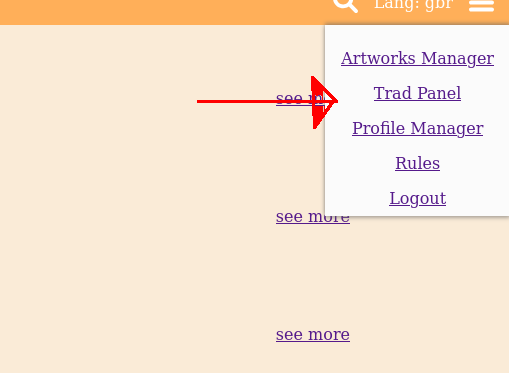
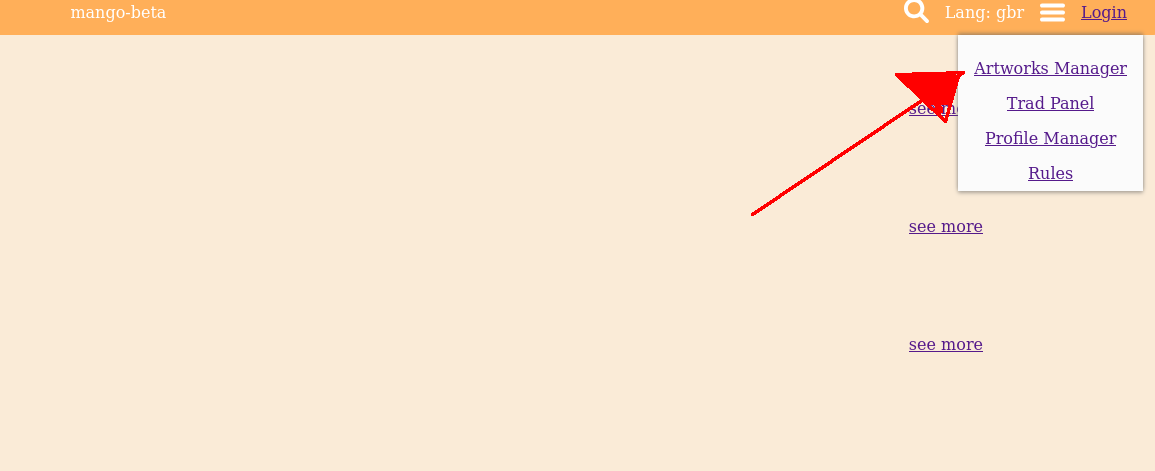
1. In order to create an artwork, navigate to artwork manager.
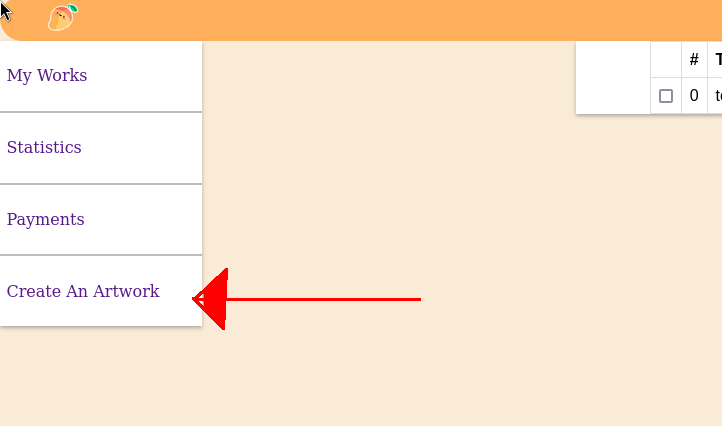
2. Then go to Create an artwork.
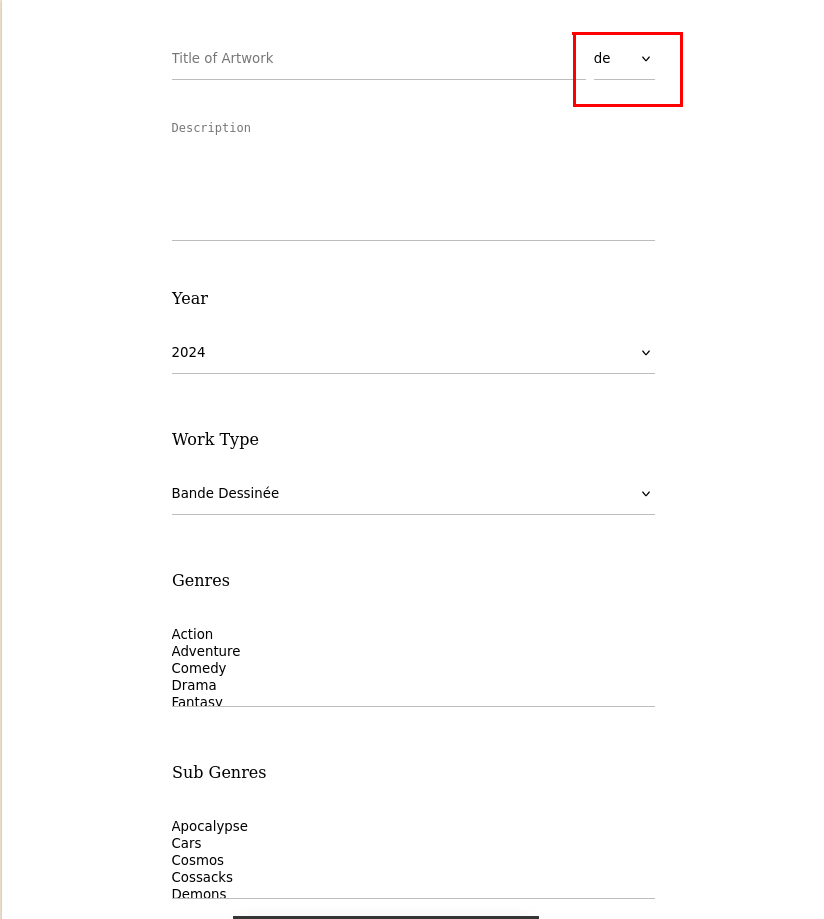
3. Fill general data about your project.
4. Check rules and submit.
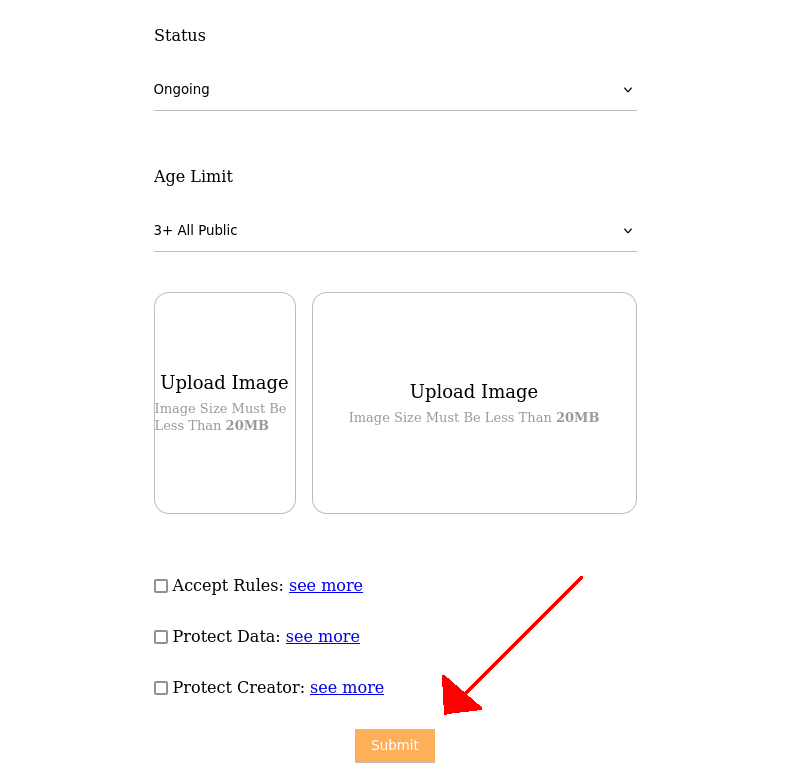
5. Now you can add chapters by clicking on Modify Tome. But don't forget to activate your project.

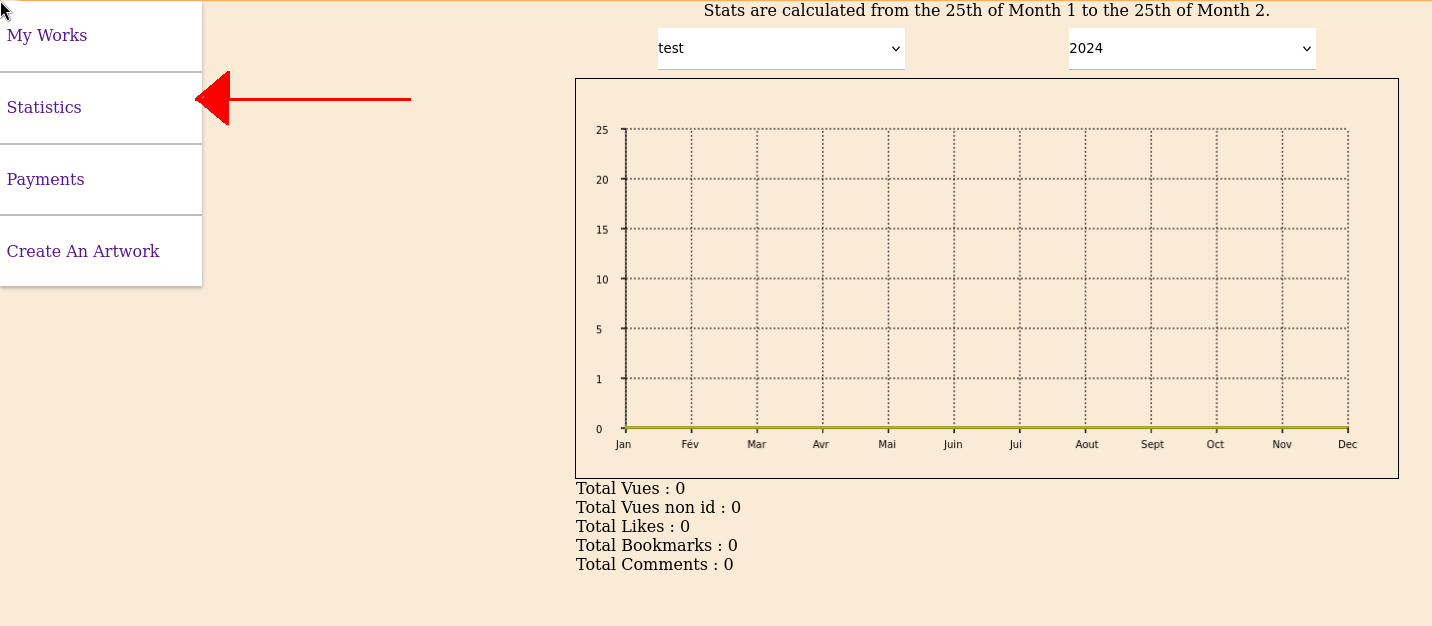
6. You can monitoring your artwork progress on the statistic page.
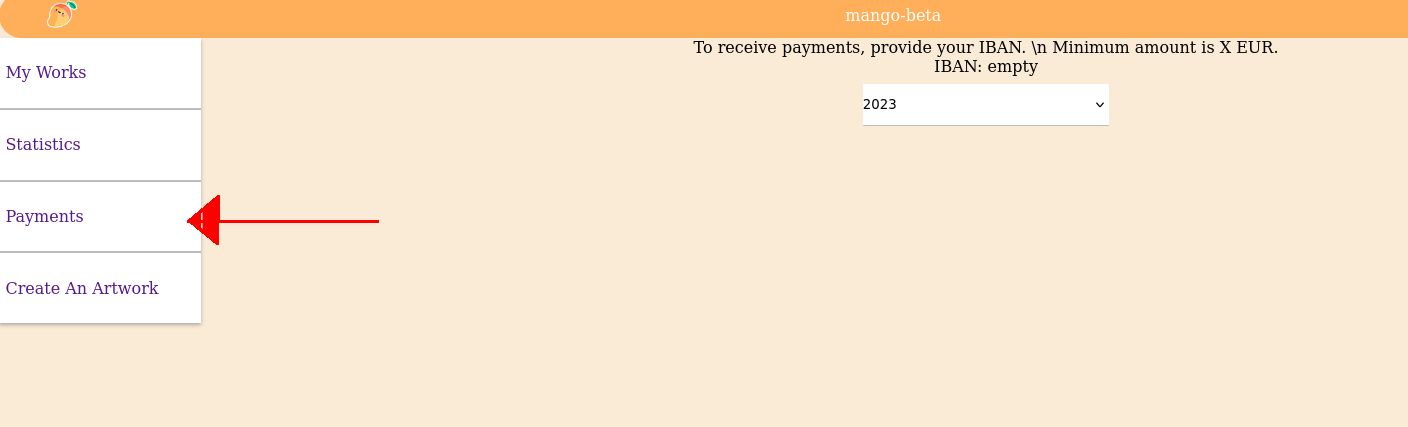
7. And your earnings are displayed on the payment page.
8. On the Modify artwork page you can add/delete coworkers or tag coeditors names.

9. Traduction panel for your coworkers is accessible on the side menu.